Install Shield
Get set up with help from our local team.
Help spotting online scams, with local support when you need it.
Warns you about scam websites, with local help one call away.
Three plans, $10 to $49 a month. Cancel any time by phone.
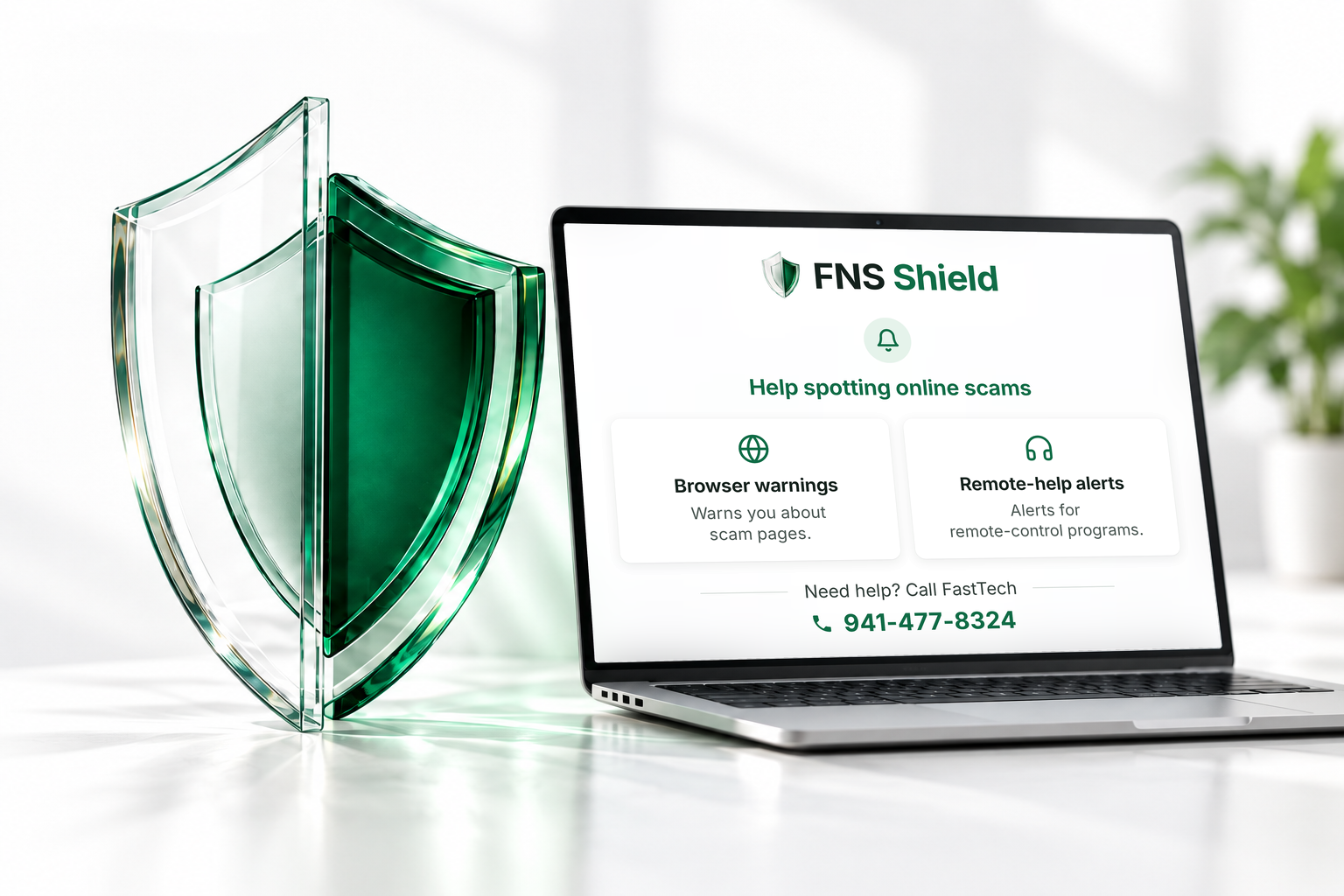
Every plan includes setup at our shop, our phone number, and the browser add-on — available now. (The add-on is the small part of Shield that sits inside Chrome or Edge, the program you use to go on the internet.)
1 computer, every browser on it (up to 3)
1 computer, every browser on it (up to 3)
3 computers, every browser on each (up to 3)
Plans renew automatically until you cancel. Cancel by phone, email, or in person, with no cancellation fee. Initial setup is included; a later, separate Shield Setup visit is $79, waived with annual payment. One seat covers one computer, and every browser on it (up to 3); software enforcement of that limit is still being completed. Read the terms.
A closer look
See why we built Shield, how its warnings work and the local people you can call.
Press play to listen. English captions and the full transcript are available below.
Scam protection. Real people. At Fast Tech Computers, we help people facing frightening pop-ups and unexpected calls. We made F N S Shield to help you pause.
In Chrome, Shield Browser checks known bad domains and looks for scam patterns locally, like fake support alerts and instructions to paste commands into Windows. A clear warning helps you close a suspicious page.
Fast Tech can help you choose a plan, install Shield, and understand what to do at a warning.
With Shield Complete, the Windows app warns when a supported remote-help program opens. Choose Keep me safe to close it, or I asked for this help to continue.
Get set up, browse normally, and pause at a warning. Shield works alongside your antivirus. Need help? Call Fast Tech: nine four one, four seven seven, eight three two four. Local support. Real people.
Shield Browser · included with every plan
A webpage says your computer is infected and tells you to call for help. Shield looks for the warning signs and gives you a way to close the page.
The browser add-on (a small helper inside Chrome or Microsoft Edge) checks known bad domains and suspicious page behavior, including fake tech-support alerts and instructions to paste commands into Windows.

Remote-help alerts · Shield Complete
Remote-support tools let someone see and control your computer. Shield Complete asks you to pause when a supported program opens.
If a surprise phone call, pop-up or email told you to open it, choose “Keep me safe” and Shield closes the program. If you requested the help, you can choose to continue.

At your included bench visit, we set up a filtered internet connection designed to block known scam and malware sites. Plans are priced by how many computers you cover — one seat protects one computer, in every browser on it (up to 3). Choose Shield Complete to include the desktop program too.
A frightening message appears. Someone says your computer is infected. Then they ask you to call a number or let them connect to your computer.
At FastTech Computers, we help people facing these kinds of scams. We built FNS Shield to put a warning between that unexpected message and your next click—and give you a local team to call when you are unsure.
You should not have to decide whether a stranger is trustworthy while they are pressuring you. Shield helps you pause, close the suspicious page or program, and ask someone you know.
Talk to FastTech: 941-477-8324Filtered connection · included with every plan
At the shop, we configure a filtered internet connection designed to block known scam and malware sites before you reach them.
This is one part of your protection. The browser add-on also examines pages for suspicious behavior, helping with scams that are too new to appear on a list.
Use your computer as you normally would.
The filter checks for known scam and malware sites.
The filter is designed to stop the connection to a listed threat.
Filtering cannot identify every scam. Shield’s page checks and remote-help alerts cover different warning signs, and our team is here when you need advice.
The Windows program · Shield Complete
The desktop program brings your protection status, license and approved remote-help sessions together in one place.
Choose whether Shield starts with Windows, open your account portal, or find our phone number when you need a hand. The desktop program is included with Shield Complete.
 Open the desktop program preview at full size
Call 941-477-8324 — same prices, and we take care of everything with you on the line.
FastTech Computer Repair Center · 2320 Tamiami Trail, Suite 7, Port Charlotte, FL. Mon–Fri 10:00–5:30 · Sat 10:00–2:00.
Every seat protects one computer, in every browser on it that runs the add-on — Chrome, Edge, and one more, up to 3 — that’s what you’re buying, plainly, no fine print about “household devices.” Right now that is how we count what you pay for, not something the software polices. Locking each seat to a particular computer in software is still being finished — the server side is built, and the programs pick it up in their next updates. Plans renew automatically until you cancel. Cancel any time by phone, email, or stopping in — no contract, no phone menus, no cancellation fee. The price you see is the price you pay. See the Terms of Service.
Every new plan already includes installing what it comes with at your initial bench visit — the browser add-on for everyone, and the desktop program too on Shield Complete and Shield Complete Family — at no extra charge. The $79 Shield Setup is a separate, dedicated visit for installing later: a new computer, adding the desktop program to an existing plan outside that first setup, or a reinstall after a reset. It’s waived if you pay for the year up front — mention it at the counter. Prefer to do it yourself? For the browser add-on, click the sign-in link we email you and protection turns itself on — no visit needed.

If sign-in doesn’t load, open your account or call 941-477-8324 for help.
No password. Your sign-in link works for 15 minutes.
Get set up with help from our local team.
Use your computer as you always do.
Shield helps you spot common scams before you continue.
Not one that appeared on your screen. Call it, or just bring the computer in — and if you’re ever unsure whether something you saw was a scam, ask. We’ll tell you for free.
941-477-8324 FastTech Computer Repair Center · 2320 Tamiami Trail, Suite 7, Port Charlotte, FLWarns about known scam sites and suspicious webpages, and—with Shield Complete—asks you to pause when a supported remote-access program opens. Your local FastTech team is one phone call away.
It is not antivirus and does not replace it. It does not watch your bank, your email, or your passwords. It cannot get back money already lost. And no service can promise you’ll never be targeted again.